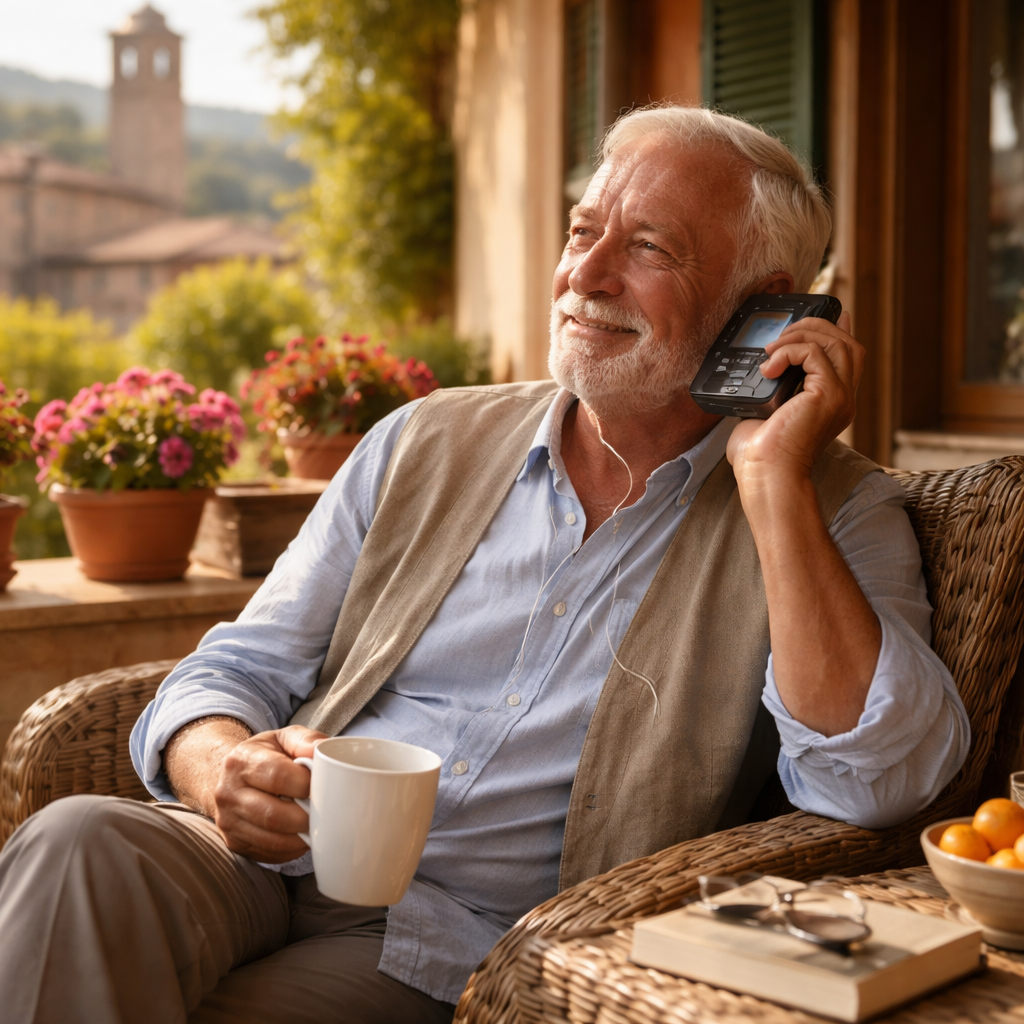
Most fast-paced apps and classroom courses expect learners to keep up with rapid speech and short attention spans, which often overwhelms older beginners. This guide explains why an audio-first learn Spanish program is a better fit for seniors and caregivers, and gives a clear step-by-step plan to choose, set up, and use the Spanish Slow and Easy course so you can make steady progress with 15-25 minutes a day. You will get practical device tips, short daily routines, simple social practice scripts, and measurable milestones rather than vague promises.
Direct fit: Older beginners process new sounds more slowly and benefit from repeated, predictable patterns rather than being tossed into rapid, native-speed speech. Research on adult learning and brain health shows that practicing a new skill in manageable, repeated chunks improves retention and attention — an advantage audio lessons deliver when they are paced for the listener instead of the native speaker. See the National Institute on Aging summary for context: Brain Health.
Hearing and cognitive load: Clear, slowed audio reduces the cognitive work of decoding speech so learners can attend to vocabulary and rhythm instead of straining to catch each word. That matters because struggling to hear is not just annoying — it steals working memory that you need to form associations. Follow American Speech Language Hearing Association guidance when choosing audio formats that allow playback speed control and transcripts: ASHA on hearing loss.
Concrete Example: A 72 year old learner uses three short listens to the same greetings lesson across a day — first to follow the slow model, second to shadow aloud, third to recall and speak without the audio. After a few weeks that pattern turns passive recognition into usable phrases for travel and small talk. This is how audio-first moves comprehension into speaking without heavy grammar drills.
Practical trade-off: Audio-first is excellent for comprehension, pronunciation, and low-tech accessibility, but it does not replace visual grammar support or reading practice. Programs that pair slowed audio with printable transcripts and short written notes avoid that gap; without those extras the learner risks accurate pronunciation but shaky spelling and grammar. For a senior-oriented option, review a sample lesson that pairs audio with scripts: sample lesson.
Key takeaway: Seniors gain the most when audio is slow, patterned, and paired with written scripts; that combination reduces cognitive load and turns repeated listening into usable speech.
Next consideration: Try one slowed audio lesson and the matching transcript to judge effort and comfort — if listening feels less tiring and you can shadow aloud, the audio-first approach will likely be the right fit. Learn more on the course overview: Spanish Slow and Easy.
Straight answer first: Most practical concerns about an audio-based learn Spanish program boil down to accessibility, time commitment, and how to turn listening into speaking. Below are clear, usable answers so you can decide quickly whether this approach fits your routine and hearing needs.
Can someone with mild hearing loss make steady progress? Yes — provided the course gives slow, enunciated audio, transcripts, and playback control. Important trade-off: you will rely more on visual support (transcripts, printed scripts) than someone with perfect hearing, so choose a program that bundles downloadable PDFs and MP3s rather than streaming-only audio.
How much daily time is realistic and effective? Aim for 15 to 25 minutes most days with one slightly longer weekly review. Short sessions win in real-world practice: they fit energy levels, reduce listening fatigue, and create a habit you can sustain. Faster progress for a short period usually means faster burnout for older learners.
Is audio alone enough to become conversational? Audio builds comprehension and prosody quickly, but active speaking needs practice. Plan a small weekly social element — a 20 minute chat with a volunteer or family member — to convert passive listening into usable conversation. That one extra step halves the time it takes to speak with confidence in low-pressure settings.
What if technology feels intimidating? Use the lowest-friction route: download MP3s to a tablet or a simple MP3 player, print one transcript per lesson, and follow a one-page cheat sheet for playback controls. If needed, get a single setup session from a caregiver or library tech and you rarely need help again.
When will I know I can try a real conversation? Practical milestones work better than vague timelines. If you can deliver a 60 second self-introduction, answer three routine travel questions, and understand short spoken prompts without pausing, schedule a low-stakes chat. Treat the first conversation as practice, not a test.
How can caregivers contribute without teaching? Keep it simple: time sessions, read the short transcript prompts, act as a patient listening partner for shadowing, and note small wins. Emotional support and structure matter more than grammar corrections in the early stages.
Concrete example: A 70 year old retiree downloaded one greetings lesson from the sample lesson, listened three times across the same day (listen, shadow, recall), and then practiced the phrases aloud with a neighbor for 10 minutes twice that week. After two weeks the retiree could handle a basic 90 second exchange at a community cafe with only light prompting.
Common misconception worth correcting: Many people assume faster content equals faster mastery. In practice for older beginners, deliberately slower pacing with repetition yields deeper retention and less frustration. Expect slower daily tempo but steadier, more usable gains.
Actionable next steps: Try one slowed lesson and its printable transcript today; set a 15 minute daily slot on your calendar for two weeks; schedule a single low-pressure 20 minute speak-with-a-partner session after seven lessons. If playback or hearing is an issue, pair headphones or contact an audiologist for Bluetooth setup before the second week.
